Meta instant forms vs landing page: which one brings better leads?
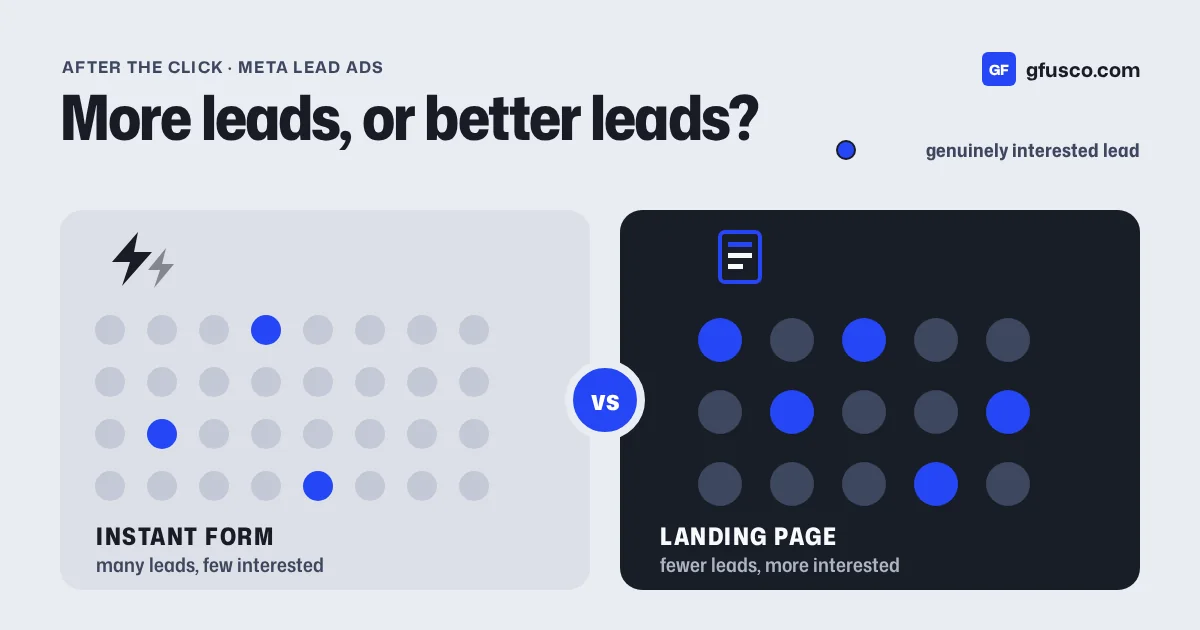
Meta instant forms usually bring more leads at a lower cost per lead. A landing page usually brings fewer leads, but more of them are serious. Which one wins depends on what happens after the form: how fast you call, and whether you tell Meta which leads became customers.
I have used both for years. This is how I choose.
What are Meta instant forms?
Instant forms are lead forms that open inside Facebook or Instagram. The person taps the ad and the form opens. Meta fills in the name, email and phone number from the profile. Nobody leaves the app.
That is why they are cheap. It takes two taps. It is also why many leads do not remember filling one in.
Meta offers three form types:
| Form type | What it does |
|---|---|
| More volume | The default. Quick to fill in and send on a phone. |
| Higher intent | Aims at people with a real interest in your offer. It adds a review screen where people confirm their details before sending. |
| Rich creative | A more flexible form with room for images and details about your offer. |
What is the problem with cheap leads?
A lead is not a customer. If half your instant form leads never pick up the phone, your real cost per lead is twice what Meta shows.
These are the issues I see most:
- wrong or old phone numbers, filled in from the profile
- people who tapped by mistake
- people who wanted the free guide, not a call
- leads that sit in Meta for days because nobody downloads them
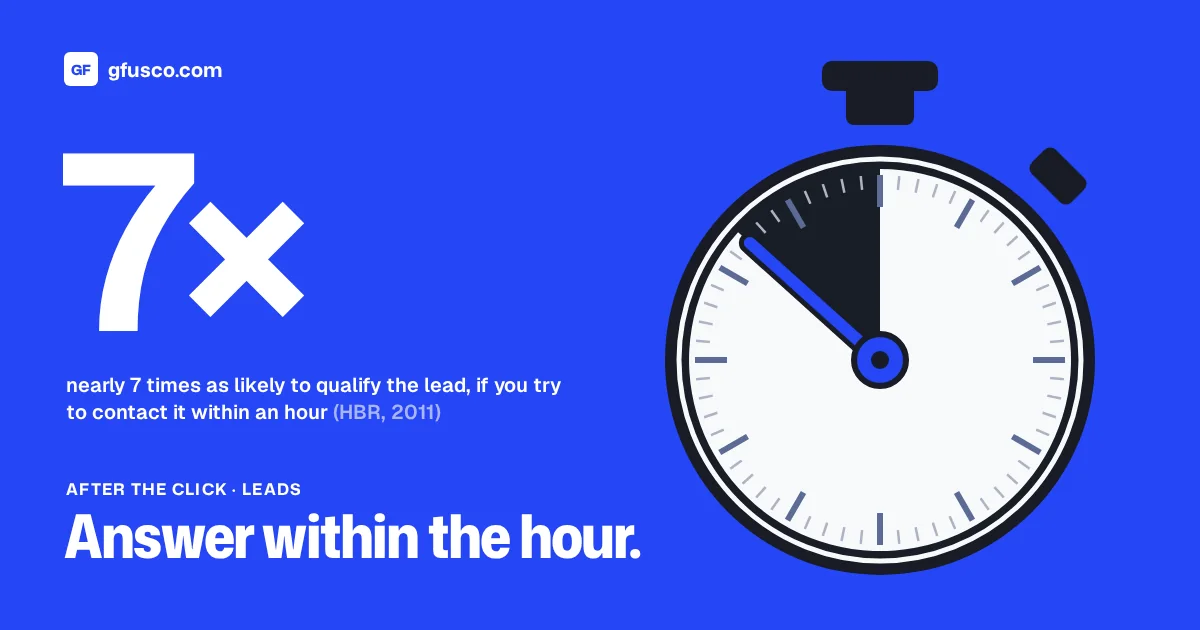
The last one is not Meta's fault. It is a process problem, and it wastes good leads too. My post on speed to lead explains why the first hour matters so much.
When is a landing page better?
A landing page asks more of the person. They leave the app, wait for a page to load, read and type. Fewer people do it. Those who do have usually read what you offer.
A landing page also gives you things a form inside Meta does not:
- room to explain the offer, the price range and who it is for
- your own tracking, with UTMs and your own analytics
- one page that works for Google Ads and email too
- a booking calendar right after the form
The downside is speed. The page has to load fast on a phone. A slow page on mobile data loses many of the people who clicked, and you pay for each click anyway.
How do you get better leads from instant forms?
If you stay with instant forms, a few settings help a lot:
- Use Higher intent. The review screen adds one step. It filters out some taps made by mistake.
- Add one or two qualifying questions, like budget range, company size or timing. Use multiple choice, so the form stays quick.
- Say what happens next. A line like "We will call you within one hour" sets the right expectation.
- Connect the form to your CRM. Leads should land in the CRM within seconds, not sit inside Meta.
- Send the outcome back to Meta. This step matters most.
Why should you send lead quality back to Meta?
Meta optimises for whatever you tell it is a conversion. If the conversion is "form sent", Meta looks for more people who send forms. People who tap quickly are easy to find. They are not the same as people who buy.
Meta's Conversions API for CRM lets you send each lead's stage from your CRM back to Meta. For example qualified, meeting booked, won. Meta can then optimise for leads that move forward, not just for form fills.
It is the same idea as offline conversions in Google Ads. You stop paying the platform to find form fillers. You start showing it what a good lead looks like.
Instant form or landing page: how do you choose?
This is my rule of thumb:
| Situation | My first choice |
|---|---|
| Simple, low-price offer and a team that calls back fast | Instant form, Higher intent |
| Complex or high-price service | Landing page |
| Nobody can call leads the same day | Fix that first, then test |
| B2B with a long sales cycle | Landing page plus CRM feedback |
| You already send CRM stages to Meta | Test both, compare cost per customer |
The last row is the real answer. Do not compare cost per lead. Compare cost per customer. A form that brings €10 leads and no sales is worse than a page that brings €40 leads that close. Try it with your own numbers in the cost per lead calculator.
How do you run a fair test?
Run both for the same offer and the same audience, at the same time. Leave enough weeks for leads to turn into customers. Then compare:
- cost per lead
- share of leads you reached on the phone
- share that became qualified
- cost per customer
Write down how you will judge the test before you see the results. It sounds obvious. It rarely happens.
FAQ
Are Facebook lead forms the same as Meta instant forms?
Yes. In Ads Manager Meta calls them instant forms. Many people still say Facebook lead forms or lead ads.
Which one has the lower cost per lead?
Usually instant forms. That is exactly why cost per lead is the wrong number to compare.
Can I connect instant forms to my CRM?
Yes. Many CRMs have a native connector. You can also use Zapier or Make. What matters is that leads arrive in seconds.
Should I ask more questions to get better leads?
One or two good questions help. A long form on a phone cuts volume more than it raises quality. Test it.